


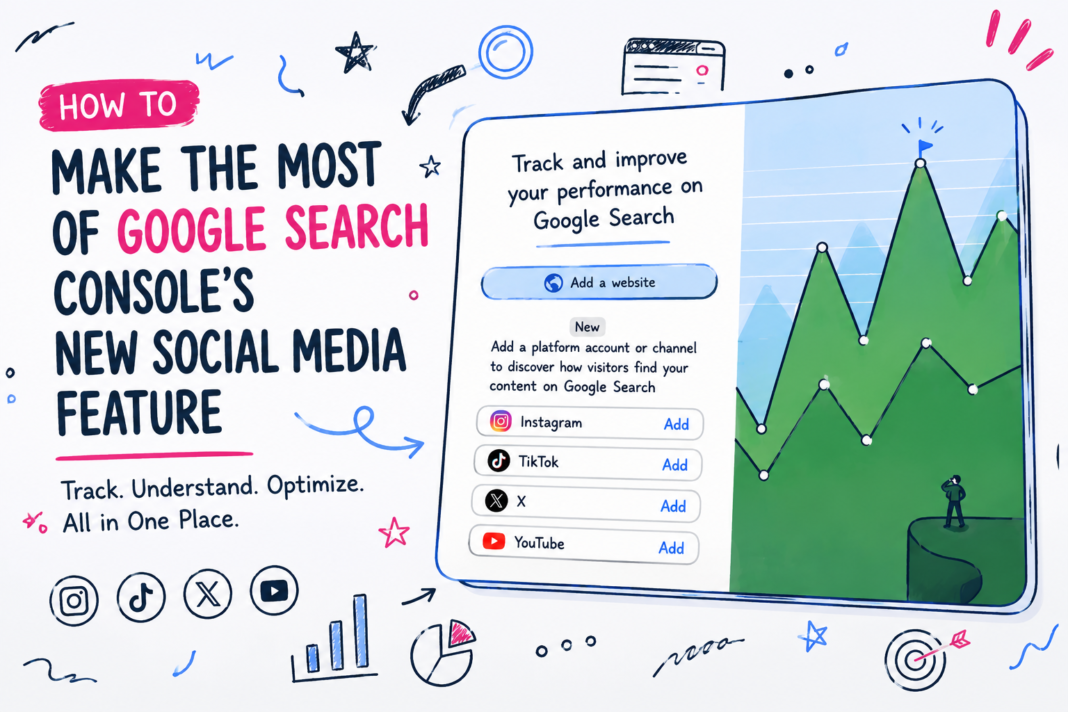
Imagine opening Search Console, clicking the property selector like you’ve done a hundred times before, and seeing Instagram, TikTok, X and YouTube listed as options alongside your website. For most people who use Search Console regularly, that’s a genuinely new sight — this tool has been a website-only product for as long as it’s existed.
Google calls the new option “platform properties,” and it’s a real, meaningful addition rather than a cosmetic tweak. Once you know what it’s actually for, it’s worth setting up properly rather than clicking “Add” out of curiosity and forgetting about it.
Before you click “Add,” here’s what you should know
It’s worth being clear about what this feature is and isn’t before connecting anything. A platform property tracks how your social and video content performs specifically in Google Search and Discover — the actual search terms that led someone to your content, and how often that content showed up and got clicked. It is not a replacement for native analytics. TikTok views, Instagram likes, YouTube watch time from the home feed — none of that lives here. This is purely about the organic search side of your social presence, which has been invisible until now.
It’s also worth knowing what it’s not confused with. Google launched something called “Search profiles” back in June 2026 — public, shareable pages that pull a creator’s content together for their followers to browse. Platform properties are the opposite of that: private analytics that only you, the account owner, can see. The two get mixed up constantly in coverage of this update, and setting one up doesn’t mean you’ve set up the other.
At launch, four platforms are supported — Instagram, TikTok, X, and YouTube. Facebook and LinkedIn aren’t included yet, and the rollout itself is gradual, so the option may simply not have reached your account when you go looking for it. That’s not a sign anything’s broken.
Step-by-step walkthrough
Setting one up runs through the same property selector you already use for a website property, which makes the process fairly quick once it’s available to you.
Open Search Console and click the property selector dropdown in the top-left corner, then select “Add property.” Choose one of the four supported platforms. Follow the on-screen steps to authorise the connection — this involves logging into the relevant platform account and granting Google permission to read its search-related performance data, similar in spirit to verifying a website, just through a different mechanism.
If you manage more than one account on the same platform — a main brand account and a separate regional one, for example — each needs to be added and verified separately. An Instagram account and a TikTok account are treated as entirely separate properties, even if they belong to the same business.
One practical thing worth knowing: Google periodically re-checks that the connection is still valid. If a login expires or access is revoked on the platform’s side, the connection pauses until it’s re-verified. Reconnecting restores full access immediately, with no waiting period for historical data to reappear.
What changes after connecting
Once a platform property is live, three reports become available. The Performance report is the one worth spending real time in — it shows total clicks, impressions, average click-through rate, and average position, all filterable down to individual posts and individual search queries. The Queries tab specifically is where the useful discovery happens: it shows the actual words and phrases people typed into Google before landing on a specific piece of content.
The Insights report is a lighter, faster view — recent trends, top-performing posts, a general sense of direction — better suited to a quick weekly glance than deep analysis. Achievements tracks click milestones over rolling 28-day periods, and functions more as a progress indicator than something to base decisions on.
None of this data existed anywhere before. Native platform analytics never told you what someone searched for on Google before they found your content — only that they found it.
Can this help your SEO?
Indirectly, yes, and in a genuinely useful way. The clearest use is spotting a mismatch between what’s ranking on social and what’s ranking on your website. If a TikTok video or Instagram post is pulling in consistent impressions for a specific search term, and your website has no content addressing that same term at all, that’s a real, evidenced content gap — not a guess based on keyword tool estimates, but confirmation that people are already searching for it and finding your social content instead of your site.
That’s a stronger starting point for content planning than most keyword research, because it’s demand you already know is real. Building a proper page or article around that same topic, and doing it well, gives you a genuine shot at capturing that search intent on your own domain as well as on the platform where it first showed up.
Can it improve leads?
Only indirectly, and it’s worth being honest about that rather than overselling it. Platform properties don’t generate leads on their own — they show you where search attention already exists. The lead generation still depends on what you do with that information: building out website content that captures the same demand, adjusting captions and video titles to match how people are actually phrasing their searches, or simply noticing that a particular topic is worth talking about more often because it’s already resonating in Google Search specifically, not just within the platform’s own feed.
Treated as a discovery tool rather than a lead-generation tool in itself, it’s genuinely useful. Treated as a magic switch that turns on more enquiries by itself, it’ll disappoint.
Where most businesses will use it incorrectly
The most likely mistake is connecting the accounts, glancing at the numbers once, and never returning. The data only becomes useful with a bit of regular attention — a monthly check of the Queries tab, comparing it against what’s already ranking on the website, and adjusting content plans based on real patterns rather than one-off spikes.
The second common mistake is treating the Achievements report as meaningful analytics. It’s a light, motivational feature — click milestones over a rolling window — and reading too much strategic signal into it usually leads to confused decisions. The Performance report, and specifically its Queries data, is where the actual insight lives.
The third is assuming this measures something it doesn’t. Platform properties report on Google Search and Discover only. They say nothing about whether ChatGPT, Perplexity, or Google’s own AI Overviews are citing or recommending your content — that’s a genuinely separate kind of visibility, built on different signals, and this feature isn’t a proxy for it, however tempting it might be to treat it that way.
How we’re planning to use it at NextActix
For our own content and for client accounts with an active social presence, the plan is straightforward: connect the relevant platforms, then treat the monthly Queries review as a standing part of content planning, alongside the website performance data we already track. Where a social post is clearly pulling search demand for a term that has no strong page on the client’s website, that becomes a genuine content brief — not a guess, but something backed by real search behaviour.
We’re also keeping this clearly separate from AI visibility tracking, which is a different discipline built around different signals entirely. Platform properties are a useful addition to the toolkit, not a replacement for anything else already in it.
Final takeaway
This is a genuinely useful, low-effort addition for any business with an active presence on Instagram, TikTok, YouTube or X — it costs nothing to set up and it surfaces real search demand that’s been invisible until now. The value comes from treating it as a regular source of content ideas grounded in actual search behaviour, not a one-off curiosity to glance at and forget. Set it up, give it a few weeks to gather data, then make the Queries tab part of a genuine, ongoing habit rather than a one-time check.